> ## Documentation Index
> Fetch the complete documentation index at: https://docs.gleef.eu/llms.txt
> Use this file to discover all available pages before exploring further.
# Introduction
Have any question or feedback? Book [15 minutes](https://booking.gleef.eu/team/gleef/get-in-touch) with the team or [email us](mailto:contact@gleef.eu).
## Why Use Gleef in Figma
Automatically generate, retrieve, and translate localization content, right in Figma.
 ## Purpose
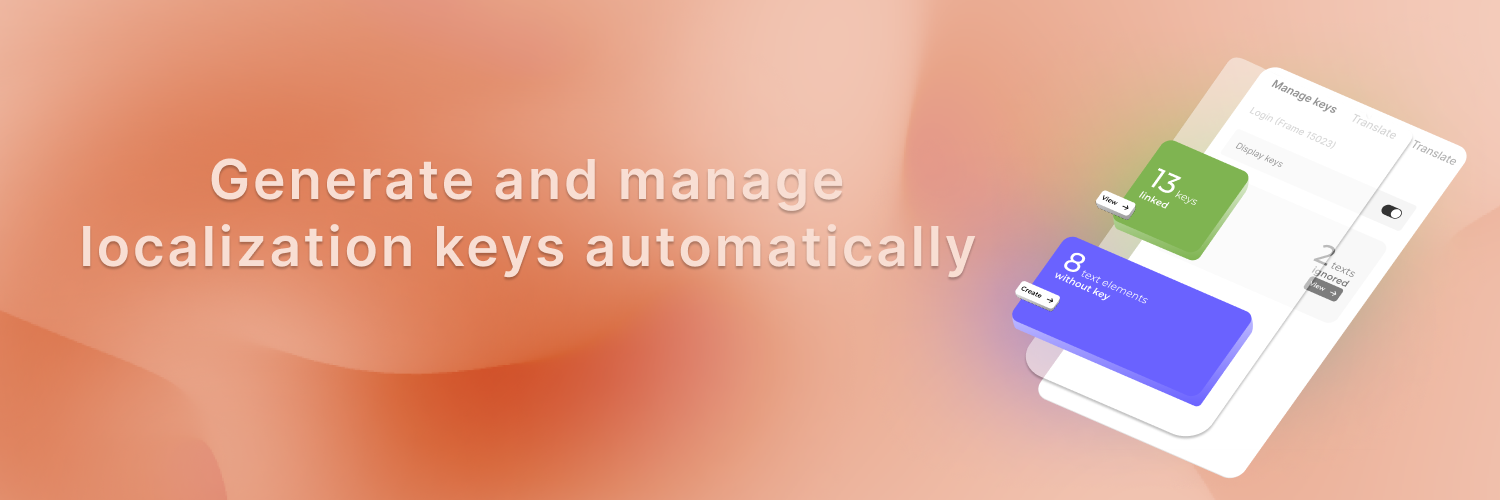
Generate & retrieve existing localization keys with AI while also performing context-aware translations directly within Figma.
No need to worry about naming conventions or formatting issues - we automatically normalize your localization keys and create them with a single click.
## Key Features
**Seamless Figma Integration:**
* Fully integrated into Figma as a plugin for a smooth user experience.
* Assign localization keys to design elements with ease.
**Key Management Made Simple:**
* Create, edit, and delete localization keys directly in Figma.
* Avoid duplicates with real-time key validation.
**AI-powered Capabilities:**
* Generate localization keys that match the context and screen.
* Automatic formatting that conforms to your existing patterns.
* Context-aware AI translations that understand your product and brand voice.
**Contextual Preview:**
* Preview translations directly on your designs to validate layouts and context.
* Test multiple languages simultaneously to ensure your design works across regions.
**Works with Any Workflow:**
* Compatible with any localization software or tool.
* Easily integrate into existing processes.
**Developer-Ready Exports:**
* Export keys in *JSON*, *CSV*, or *XML* formats.
* Effortlessly hand off files to developers or translation teams.
## System Requirements
Gleef's Figma Plugin works with every tech stack & technology
**Figma Requirements:**
* To run the plugin, you don't need any special permissions in Figma.
* To display generated keys and translations, you'll need editing rights on the Figma file.
**User Requirements:**
* Basic understanding of localization concepts.
## Benefits of Using Gleef
1. **Eliminate unnecessary developer and designer tasks:**
* Reduce the time needed to generate, reuse, and translate content.
* Streamline communication between design and development teams.
2. **Developer-Friendly outputs:**
* Export ready-to-use files in multiple formats.
* Simplify developer workflows with clear, structured data.
3. **Easy to use:**
* No complex setup or coding required.
* Start managing localization in minutes.
## Setting up Gleef
Visit the Figma Community page to install Gleef.
Open the plugin, import existing keys and start managing your localization content.
## Gleef's interaction with your Figma
How real-time displaying works.
Data privacy is key to Gleef: more information about Gleef's GDPR compliance here.
## Purpose
Generate & retrieve existing localization keys with AI while also performing context-aware translations directly within Figma.
No need to worry about naming conventions or formatting issues - we automatically normalize your localization keys and create them with a single click.
## Key Features
**Seamless Figma Integration:**
* Fully integrated into Figma as a plugin for a smooth user experience.
* Assign localization keys to design elements with ease.
**Key Management Made Simple:**
* Create, edit, and delete localization keys directly in Figma.
* Avoid duplicates with real-time key validation.
**AI-powered Capabilities:**
* Generate localization keys that match the context and screen.
* Automatic formatting that conforms to your existing patterns.
* Context-aware AI translations that understand your product and brand voice.
**Contextual Preview:**
* Preview translations directly on your designs to validate layouts and context.
* Test multiple languages simultaneously to ensure your design works across regions.
**Works with Any Workflow:**
* Compatible with any localization software or tool.
* Easily integrate into existing processes.
**Developer-Ready Exports:**
* Export keys in *JSON*, *CSV*, or *XML* formats.
* Effortlessly hand off files to developers or translation teams.
## System Requirements
Gleef's Figma Plugin works with every tech stack & technology
**Figma Requirements:**
* To run the plugin, you don't need any special permissions in Figma.
* To display generated keys and translations, you'll need editing rights on the Figma file.
**User Requirements:**
* Basic understanding of localization concepts.
## Benefits of Using Gleef
1. **Eliminate unnecessary developer and designer tasks:**
* Reduce the time needed to generate, reuse, and translate content.
* Streamline communication between design and development teams.
2. **Developer-Friendly outputs:**
* Export ready-to-use files in multiple formats.
* Simplify developer workflows with clear, structured data.
3. **Easy to use:**
* No complex setup or coding required.
* Start managing localization in minutes.
## Setting up Gleef
Visit the Figma Community page to install Gleef.
Open the plugin, import existing keys and start managing your localization content.
## Gleef's interaction with your Figma
How real-time displaying works.
Data privacy is key to Gleef: more information about Gleef's GDPR compliance here.