

1
Open the function.php file from the WordPress dashboard
In your WordPress dashboard, select the Appearance menu, then Theme Editor.
You might need to select your theme in the upper right dropdown.Then, select the file 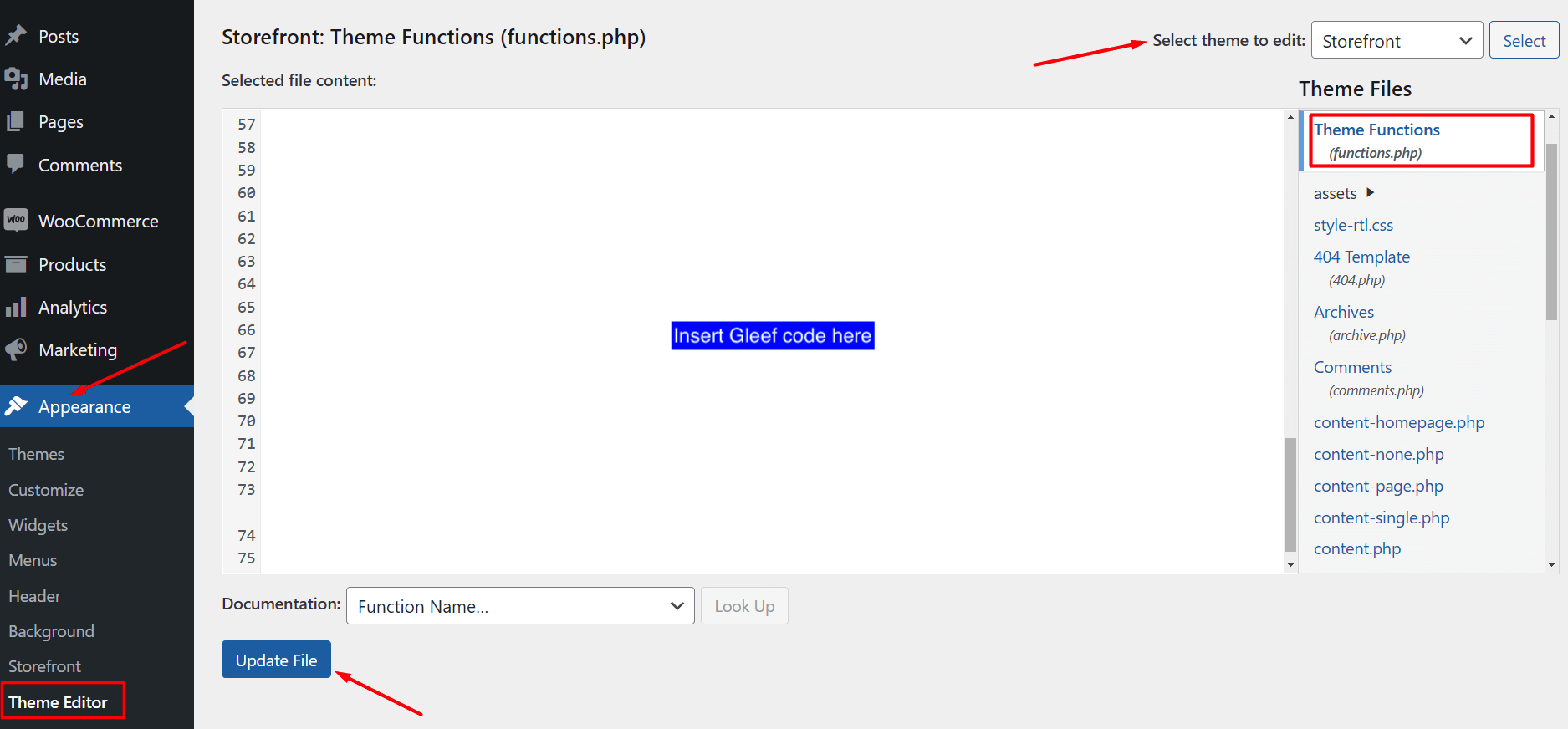
Theme Functions (functions.php) in the right panel.You should see some code in the main window.2
Copy/paste the integration code
Copy/paste this code within the window in the center.
The following code will allow your website to display and track Gleef experiments.Once you’re done, click on the Update File button.
3
Launch & manage experiments
You’re done! Log into the Chrome Extension, and start creating and managing experiments.